Gaming ZoneGAMING

Network
Network

No more stutter mid team fight.

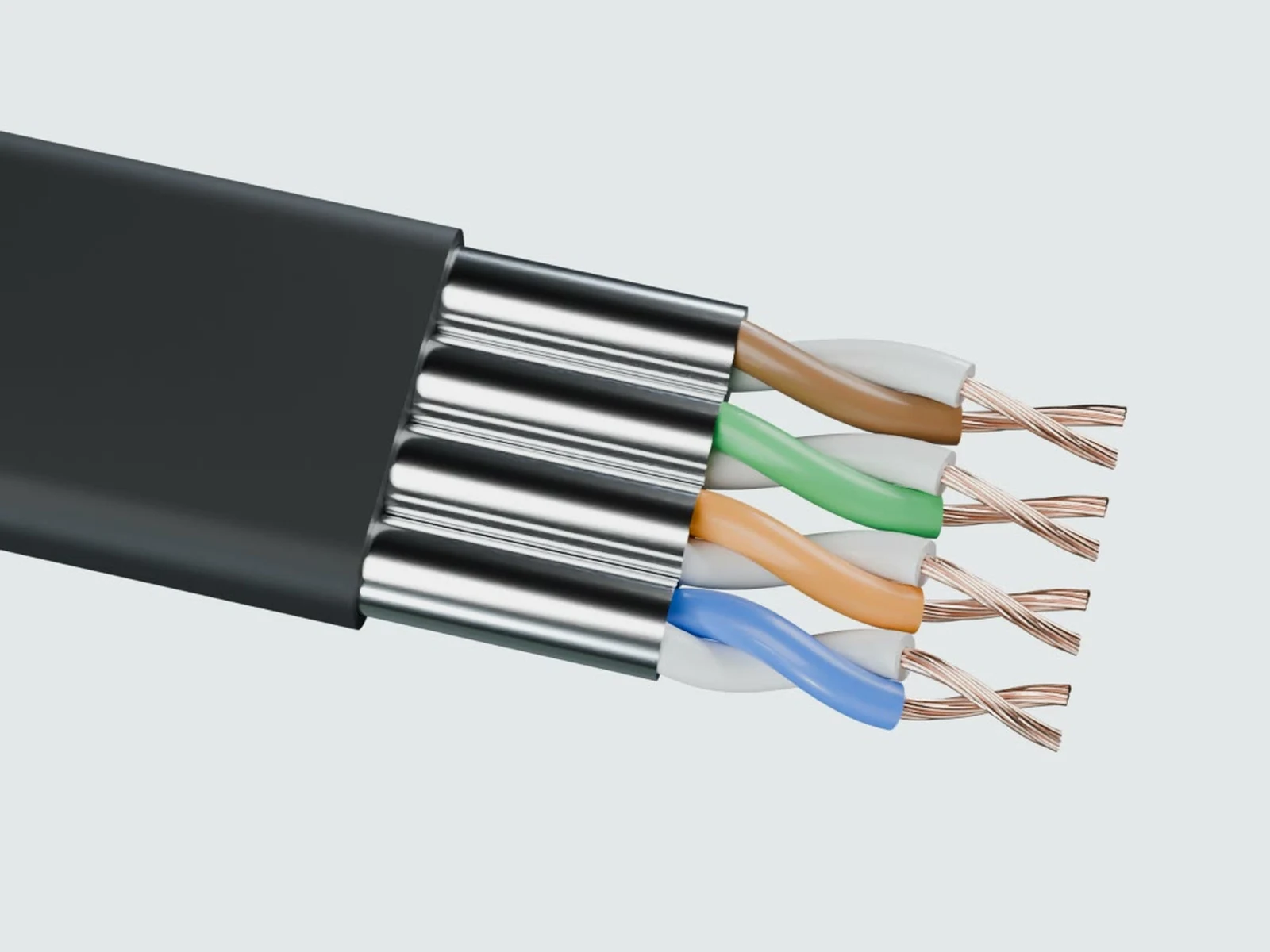
The Wi-Fi signal crosses two walls and the latency jumps around. Run a wire from the router to the PC: a flat cable hugs the floor and slips under the door, no drilling.

HOW IT HELPS

  • Flat cable lies on the floor and fits under a door
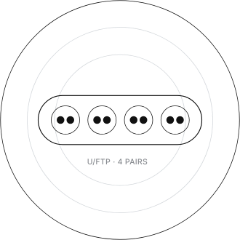
  • S/FTP double shielding: less interference between cables
  • PC plugs straight into the router, no Wi-Fi in between

THE SET FOR THIS SCENE|Network

Monitor
Monitor

Get the refresh rate on the box.

You bought a high-refresh monitor and the option never appears. Often it is not the GPU but the bandwidth of the cable in between.

HOW IT HELPS

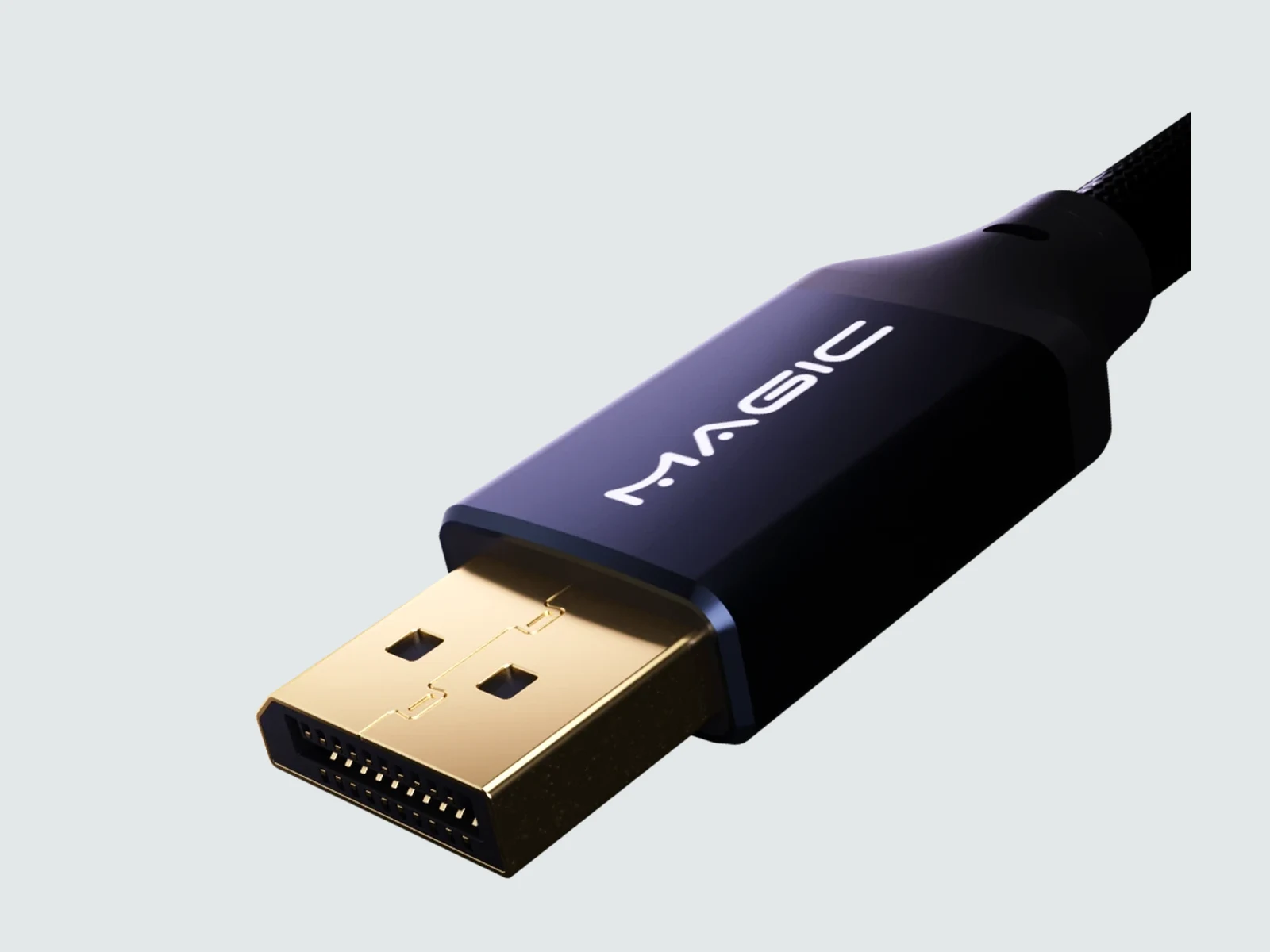
  • DisplayPort 2.1 (DP80): GPU to gaming monitor
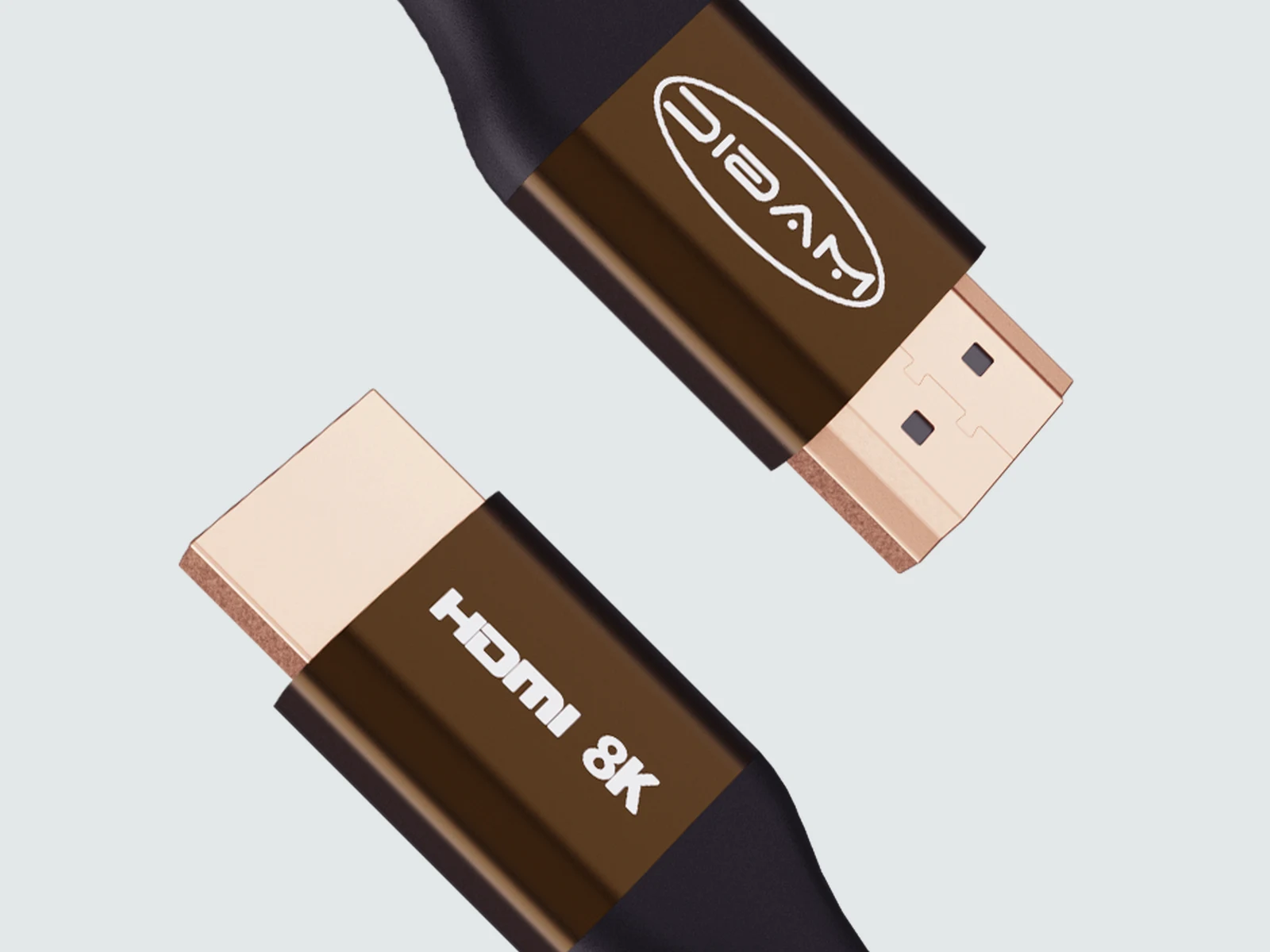
  • HDMI 2.1 Ultra High Speed certified: for HDMI 2.1 monitors
  • Braided jacket: survives tight bends behind the desk

THE SET FOR THIS SCENE|Monitor

Console
Console

4K 120Hz, no more blackouts.

4K, 120Hz and HDR together are a lot of signal. With an under-spec cable the picture flickers, blacks out or drops back to 60Hz.

HOW IT HELPS

  • HDMI 2.1: 4K 120Hz from console to TV
  • Certified cable: specs verified by a third party
  • Matte black or braided, length to fit the cabinet

THE SET FOR THIS SCENE|Console

B2BBusiness procurement|Gaming Zone

  • Venue cabling

    AV and network cables supplied in batches.

  • Custom lengths

    Lengths and quantities quoted to your site.

  • Spec documents

    Bandwidth, certification and cable construction sheets.